Smarter search, and you're in control of it
Smarter search, and you're in control of it
Search on Quiver just got a real upgrade — and so did your say over what it finds you by.
Search that understands what you mean
Type what you're actually looking for, in your own words. Search used to mean matching exact words. Now it understands meaning — search for "bike" and profiles tagged with a bicycle show up too; search for "a woman with two male partners" and it knows you mean MFM. You don't have to guess the right keyword. Just describe what you want.
Under the hood, this is powered by AI reading the photos you upload. It picks out what's actually in them — the places, the activities, the things you're into — and adds those as search terms tied to your profile. Nobody sees which photo matched. Only your profile shows up as a result, same as it always has.
You decide what you're found by
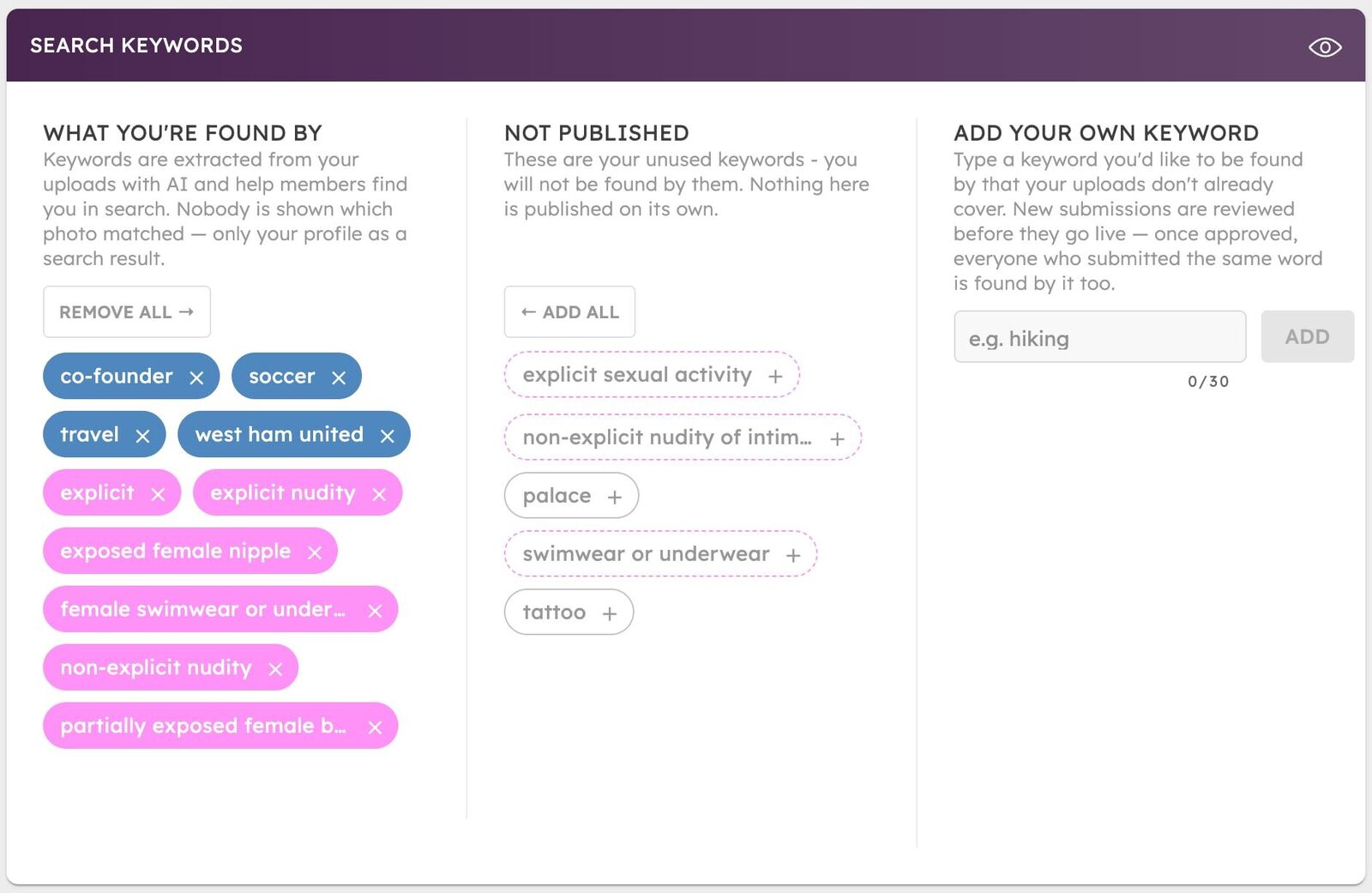
New: a full editor for exactly which keywords can find you, in Privacy → Search Keywords.
- See everything. Every keyword pulled from your photos, sorted by what's live and what's not.
- Turn any of it off. Don't want to be found by something in one of your photos? Remove it. It's gone for good — new uploads won't bring it back on their own.
- Turn things back on. Changed your mind? Restore anything you removed, or opt in to keywords from photos you haven't published.
- Add your own. Type a word you want to be found by. New submissions go through a quick moderation check before they go live — once approved, everyone who typed the same word gets it too.
Explicit content works differently on purpose: those keywords are always opt-in, and only ever match between members who've both already unlocked each other's NSFW content. Nothing explicit becomes searchable just because it's in a photo.
Manage it all from Privacy → Search Keywords.